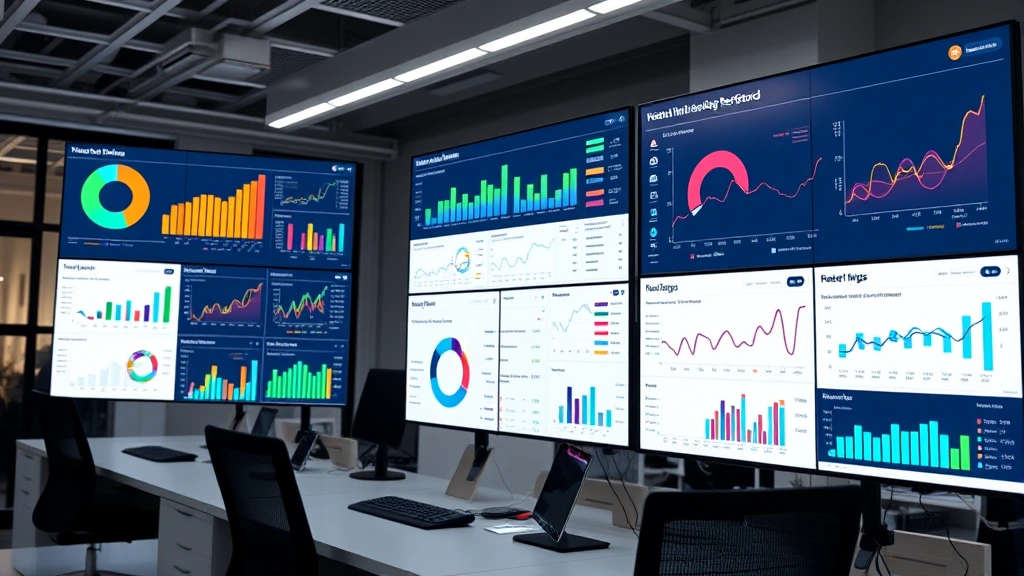
Best Application Performance Tools: Expert Guide to Optimizing Your Digital Infrastructure
In today’s hyper-connected world, your applications are only as good as their performance. Whether you’re running a SaaS platform, mobile app, or enterprise software, sluggish performance doesn’t just frustrate users—it hemorrhages revenue, damages reputation, and tanks engagement metrics. The difference between a thriving digital product and a failing one often comes down to one thing: visibility into what’s actually happening under the hood.
This is where application performance tools become your competitive advantage. These aren’t just nice-to-have monitoring dashboards; they’re essential infrastructure for anyone serious about digital excellence. But with hundreds of solutions flooding the market, each claiming to be the ultimate performance solution, knowing which tools actually deliver becomes overwhelming.
We’ve spent considerable time evaluating the landscape, and this guide cuts through the noise. You’ll discover not just which tools exist, but how to choose the right ones for your specific needs, how to implement them strategically, and how to translate raw performance data into actionable improvements that matter.
Understanding Application Performance Tools
Application performance tools are software solutions designed to monitor, analyze, and optimize how your applications behave in production environments. They capture everything from response times and error rates to resource utilization and user experience metrics, then transform that raw data into intelligence you can actually use.
Think of these tools as the nervous system of your digital infrastructure. Just as your body needs to sense temperature, pressure, and pain to function optimally, your applications need constant feedback about their performance. Without it, you’re flying blind, reacting to problems only after users start complaining.
The best application performance management tools go beyond simple monitoring. They provide deep diagnostics, predictive analytics, and automated alerting that helps teams identify bottlenecks before they become crises. They enable you to understand not just that something is wrong, but exactly where the problem lives and why it’s happening.
What separates mediocre monitoring solutions from exceptional ones? The ability to correlate performance data with business outcomes. A tool that tells you your database query took 2 seconds is useful. A tool that tells you that 2-second query is causing 15% of your users to abandon checkout? That’s transformative. That’s the difference between data and insight.
Core Categories of Performance Monitoring Solutions
The application performance tools landscape breaks down into several distinct categories, each serving specific monitoring needs:
Application Performance Monitoring (APM): These tools provide end-to-end visibility into application behavior. They track transactions from user click to database query, identifying where time is being spent and where bottlenecks occur. APM solutions typically include code-level diagnostics, distributed tracing, and automatic anomaly detection.
Real User Monitoring (RUM): While APM focuses on backend performance, RUM captures actual user experiences in production. These tools measure page load times, interaction responsiveness, and JavaScript errors as experienced by real people using your application, not synthetic tests in controlled environments.
Synthetic Monitoring: These proactive tools simulate user interactions from various geographic locations and network conditions. They’re excellent for catching performance degradation before real users notice, especially for critical user journeys.
Infrastructure Monitoring: These solutions track the underlying systems supporting your applications—servers, containers, databases, and networks. They provide visibility into CPU usage, memory consumption, disk I/O, and network performance.
Log Analytics and Aggregation: Modern applications generate massive volumes of logs. These tools collect, parse, and analyze logs across your entire stack, making it possible to correlate events and trace issues across multiple systems.
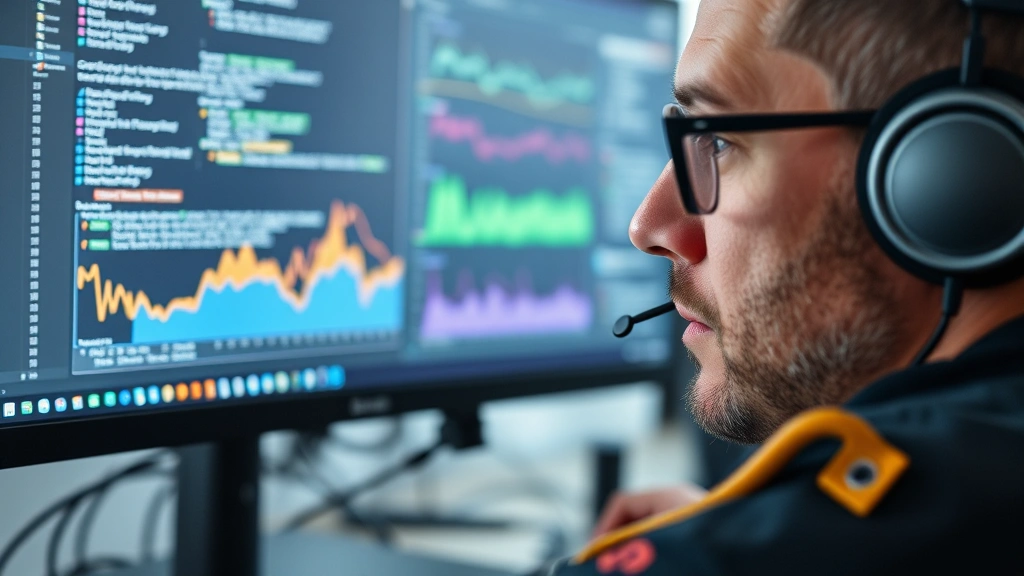
Understanding which category addresses your specific pain points is crucial before evaluating individual tools. An organization struggling with user experience issues needs RUM more urgently than infrastructure monitoring. A team managing microservices architecture needs distributed tracing capabilities. A startup with limited resources needs cost-effective solutions that don’t require extensive customization.
Top Application Performance Tools Reviewed
Datadog: A comprehensive platform offering APM, RUM, infrastructure monitoring, and log analytics in one integrated dashboard. Datadog excels at helping teams see correlations across their entire tech stack. The interface is intuitive, and their machine learning-powered anomaly detection catches issues humans would miss. The tradeoff? Premium pricing that can balloon with scale. Best for: Mid-to-large enterprises wanting unified monitoring.
New Relic: One of the original APM pioneers, New Relic remains formidable. Their agent-based approach provides deep code-level visibility, and their browser monitoring captures real user experience comprehensively. They’ve invested heavily in AI and automation, making their platform increasingly intelligent. Best for: Organizations wanting mature APM with strong AI capabilities.
Dynatrace: Known for sophisticated AI and automated root cause analysis, Dynatrace goes beyond traditional monitoring. Their platform learns your application baseline and automatically detects anomalies, then traces issues to their source. It’s powerful but comes with a steep learning curve. Best for: Large enterprises with complex microservices architectures.
Elastic Stack (ELK): An open-source powerhouse for log aggregation and analysis. Elasticsearch, Logstash, and Kibana together create a flexible, customizable monitoring solution. The advantage is control and cost-effectiveness for organizations with technical depth. The disadvantage is operational overhead—someone needs to manage and maintain it. Best for: Engineering teams with resources to self-manage infrastructure.
Prometheus + Grafana: The open-source monitoring duo beloved by Kubernetes-native teams. Prometheus scrapes metrics from applications and infrastructure, while Grafana visualizes them beautifully. This combination is lightweight, flexible, and free, but requires significant technical expertise to implement and maintain effectively. Best for: DevOps-heavy teams managing containerized infrastructure.
Each tool serves different organizational contexts. The most expensive solution isn’t necessarily the best for your situation. A bootstrapped startup might thrive with open-source tools and internal expertise. An enterprise might justify premium pricing for reduced operational overhead and vendor support.

Beyond these flagship solutions, consider specialized tools addressing specific needs. Application motivation and user engagement platforms like Amplitude and Mixpanel track user behavior and product analytics. Tools focused on AMS performance optimization help organizations manage association management systems specifically. Even seemingly niche solutions like those addressing aero performance considerations or academic performance indicators have their place in specialized contexts.
Implementation Best Practices
Selecting the right tool is only half the battle. Implementation determines whether you actually derive value or end up with expensive dashboards nobody uses.
Start with Clear Objectives: Before implementing any monitoring solution, define what success looks like. Are you trying to reduce page load times by 30%? Decrease error rates? Improve user retention? Your specific goals should drive tool selection and configuration. Vague objectives lead to vague implementations that generate noise rather than insight.
Instrument Gradually: Don’t try to monitor everything immediately. Start with your most critical user journeys and business-critical transactions. Get those working perfectly, then expand. This approach prevents monitoring complexity from overwhelming your team while ensuring you capture the highest-impact metrics first.
Establish Baselines: Before optimization efforts, establish baseline performance metrics. This gives you a reference point for measuring improvements. Without baselines, you can’t definitively say whether changes helped or hurt.
Create Actionable Alerts: Alert fatigue is real. Every team has experienced the exhaustion of constantly firing alerts for non-critical issues. Configure alerts only for conditions that genuinely require action. If an alert fires and nobody acts on it, that alert is just noise.
Integrate with Your Workflow: Monitoring tools are most effective when integrated into existing workflows. Send critical alerts to your incident management system, not just email. Embed performance dashboards in team spaces. Make performance data visible and actionable, not hidden in a separate tool.
Train Your Team: The best tool in the world provides zero value if your team doesn’t know how to use it. Invest in training. Help developers understand how to read distributed traces. Show ops teams how to interpret infrastructure metrics. Make everyone comfortable with the platform.
Choosing the Right Tool for Your Organization
The ideal application performance tool for your organization depends on several factors:
Scale and Complexity: A solo developer monitoring a simple web app has different needs than a 200-person engineering team managing distributed microservices. Simple applications can thrive with lightweight, open-source solutions. Complex, distributed systems benefit from sophisticated platforms with strong correlation capabilities.
Technical Depth: Organizations with deep DevOps and SRE expertise can manage self-hosted open-source solutions effectively. Teams lacking this depth benefit from managed SaaS solutions that handle operational complexity.
Budget Constraints: Be honest about budget. Premium solutions offer value, but that value must justify the cost. Open-source alternatives can be cost-effective if you have the talent to manage them. Some organizations need to start with free or freemium tiers and upgrade as they grow.
Existing Tech Stack: Integration with existing tools matters. If you’re already committed to the Datadog ecosystem, adding more Datadog tools is simpler than introducing competing platforms. Consider what integrations matter most to your team.
Specific Pain Points: Are you struggling with frontend performance? User experience issues? Backend bottlenecks? Infrastructure problems? Different tools excel at different problems. Identify your primary pain point and prioritize tools strong in that area.
A practical evaluation approach: Create a shortlist of 3-4 candidates based on initial research. Request trials or freemium access. Have your team actually use each tool for a week with real data. Observe which platform your team naturally gravitates toward, which interfaces feel intuitive, and which provides the insights most relevant to your problems. This hands-on evaluation matters more than spec sheets.
Measuring ROI and Performance Improvements
Performance improvements must connect to business outcomes. This requires measuring ROI thoughtfully.
Quantifiable Metrics: Track concrete improvements. Reduce page load time from 3.2 seconds to 2.1 seconds. Decrease error rates from 0.8% to 0.3%. Improve API response time from 250ms to 120ms. These numbers demonstrate concrete progress.
Business Impact: Connect performance to business results. Research shows that each 100ms reduction in page load time increases conversion rates by 1%. If your e-commerce site generates $1M monthly revenue and a 1% conversion improvement is worth $10K, then a 300ms improvement is worth roughly $30K. This is how you justify tool investments to finance.
Operational Efficiency: Measure time saved. If your team spends 20 hours weekly troubleshooting performance issues, and better monitoring reduces that to 5 hours, you’ve freed 15 hours weekly for innovation. At typical developer costs, that’s significant value.
Incident Reduction: Track incidents prevented and mean time to resolution (MTTR) improvements. Better visibility should reduce incidents and help teams resolve issues faster. Quantify both.
The most compelling ROI stories combine multiple metrics. A tool that reduces incidents by 40%, improves MTTR by 50%, and prevents a major outage worth $500K in lost revenue? That’s an easy investment to justify, regardless of the tool’s cost.
According to research from Harvard Business Review on digital experience, organizations prioritizing performance monitoring see 35% higher customer satisfaction and 25% improved retention. These metrics should guide your ROI calculations.
Frequently Asked Questions
What’s the difference between APM and RUM?
APM (Application Performance Monitoring) measures application performance from the backend perspective—how fast your servers respond, where database queries spend time, and where code execution bottlenecks occur. RUM (Real User Monitoring) measures what actual users experience—how fast pages load, how responsive interactions feel, and what errors they encounter. The best approach combines both. APM helps you fix backend issues; RUM tells you what users are actually experiencing. Together, they provide complete visibility.
Can I use open-source tools instead of commercial solutions?
Absolutely. Open-source tools like Prometheus, Grafana, and the ELK Stack are powerful and increasingly sophisticated. The tradeoff is operational overhead—someone needs to install, configure, maintain, and manage these systems. For organizations with strong DevOps capabilities and in-house expertise, open-source can be cost-effective and provide excellent customization. For teams lacking this depth, managed SaaS solutions reduce operational burden, though at premium pricing. The right choice depends on your team’s capabilities and priorities.
How much will application performance tools cost?
Costs vary dramatically. Open-source solutions are free but require engineering time to implement and maintain. SaaS solutions typically charge based on data volume ingested, ranging from $100-500 monthly for small applications to $10,000+ monthly for large-scale deployments. Budget $300-1,000 monthly as a starting point for mid-sized organizations. Many vendors offer tiered pricing with free or freemium tiers suitable for evaluation and small deployments.
How do I prevent alert fatigue with monitoring tools?
Alert fatigue happens when tools generate too many alerts, especially for non-critical issues. Combat this by: (1) Alerting only on conditions requiring action, (2) Setting thresholds high enough to avoid noise but low enough to catch real problems, (3) Using alert correlation to group related issues, (4) Implementing escalation policies so alerts reach appropriate team members, (5) Regularly reviewing and tuning alert rules based on false positives. A well-tuned alert system should fire rarely but always meaningfully.
What metrics matter most for application performance?
The most important metrics depend on your application type, but generally include: Response Time (how fast your application responds), Error Rate (percentage of requests failing), Throughput (requests handled per second), Resource Utilization (CPU, memory, disk usage), and User Experience Metrics (page load time, time to interactive). For e-commerce, conversion rate impact matters. For SaaS, user retention matters. Define metrics aligned with your business model.
How do I choose between self-hosted and SaaS monitoring solutions?
Self-hosted solutions offer control and potentially lower long-term costs but require operational expertise and infrastructure investment. SaaS solutions offer convenience, automatic updates, and vendor support but involve ongoing subscription costs and less customization control. Consider: your team’s DevOps expertise, available infrastructure, budget constraints, and tolerance for operational overhead. Many organizations start with SaaS for convenience, then migrate to self-hosted as they scale and develop internal expertise.
Can monitoring tools help prevent outages?
Yes, absolutely. Proactive monitoring and alerting can catch performance degradation before it becomes an outage. Synthetic monitoring can detect issues before users encounter them. Anomaly detection can identify unusual patterns indicating emerging problems. Historical trending can show performance slowly degrading, allowing preventive action. While monitoring can’t prevent all outages, it dramatically reduces their frequency and severity by enabling proactive intervention.